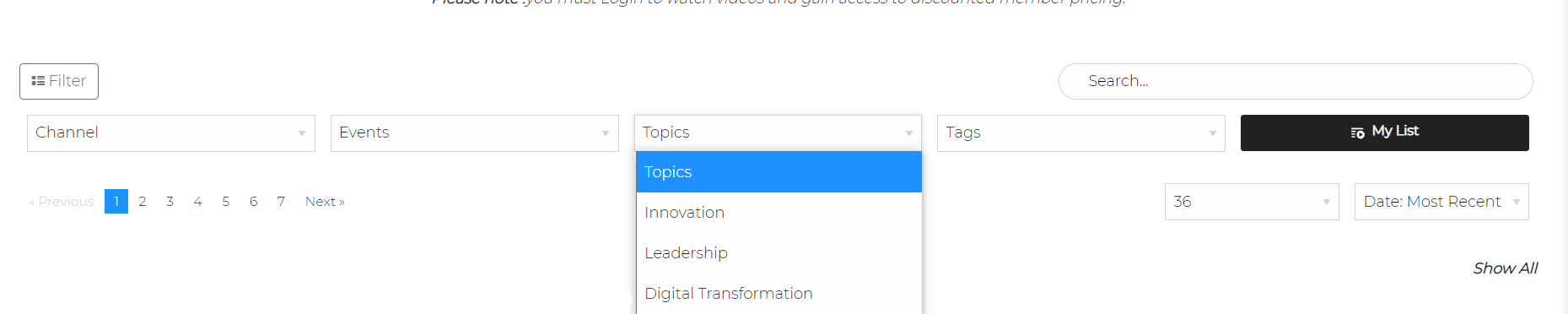
Once you have your categories created and used across your videos, you can turn on the Categories filter for your video library.
Steps:
- In Layout >Video Library >select Search Filter Settings from the collapsible menu
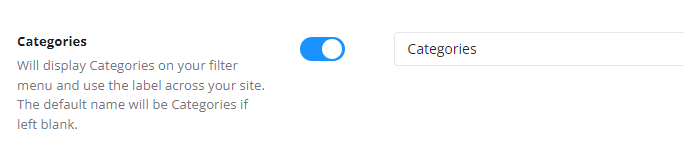
- Enable Categories
- Set a Label if your would like Categories to be labelled differently on your video library. ie. Topics
- Save
Categories will now appear on your main Video Library Search Filter: