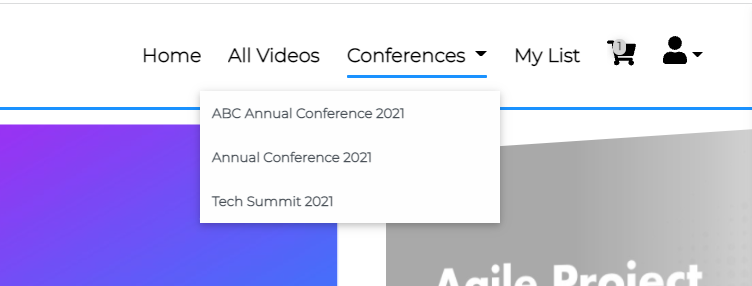
- Navigation: A channel can be added to your main navigation menu to make it intuitive for your viewer to access to the channel page:
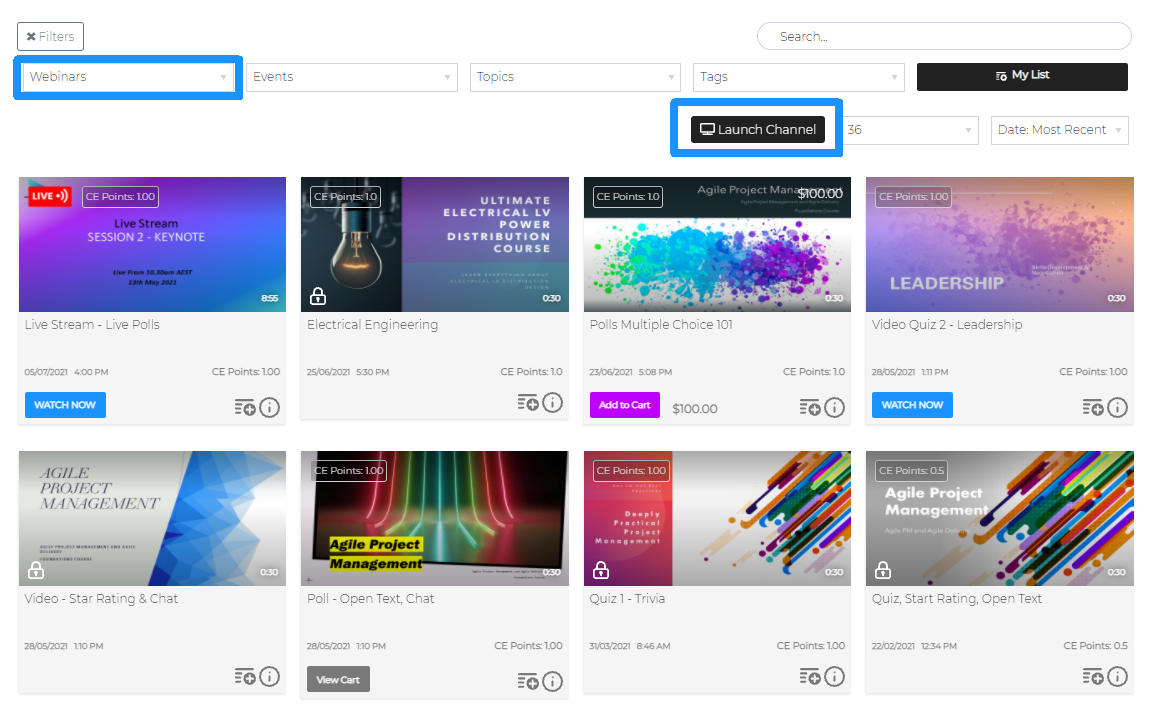
- Search Filter: A Viewer can select a Channel from Filter >Channels drop-down menu. This will display a list of videos from within that channel.
- Launch Channel can be used to quickly navigate to the channel page
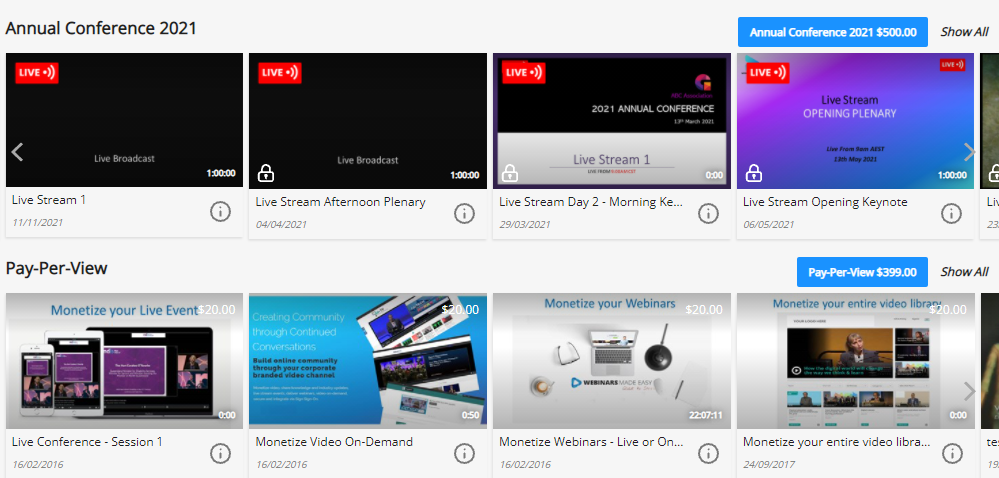
- Spotlight Rows: Channels can be set as a Spotlight Row to display the collection of videos in Row View on your Video Library homepage. Each spotlight row has a direct link to Show All videos on the channel page